

 Video Game Blog
August 30, 2019
I've spent several days contemplating how I'm going to work in Monster A.I. As I do this I've also been getting to work on the User Interface for the main play screen.
Here's a screen shot of a some its progress. The character's portrait is now shown up in the corner. Along the bottom of the screen you can see an area that's going to be used for messages to the player to read.
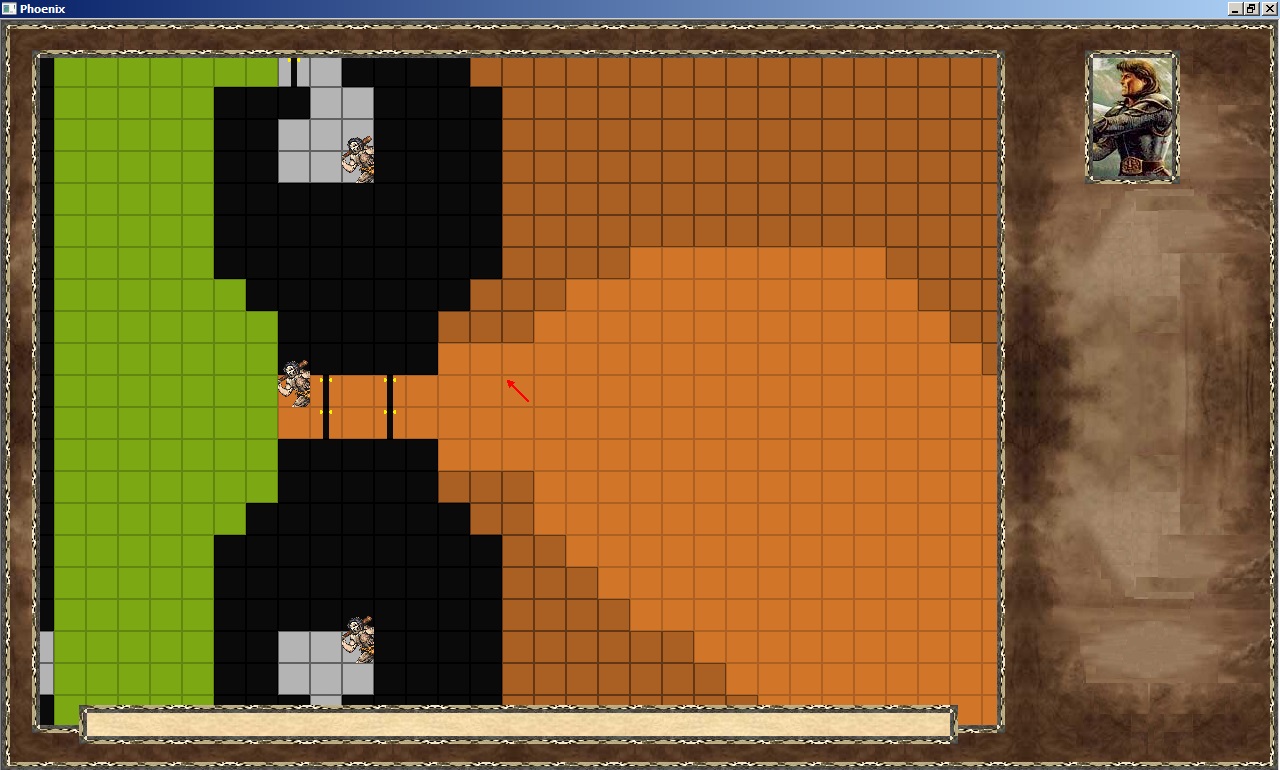
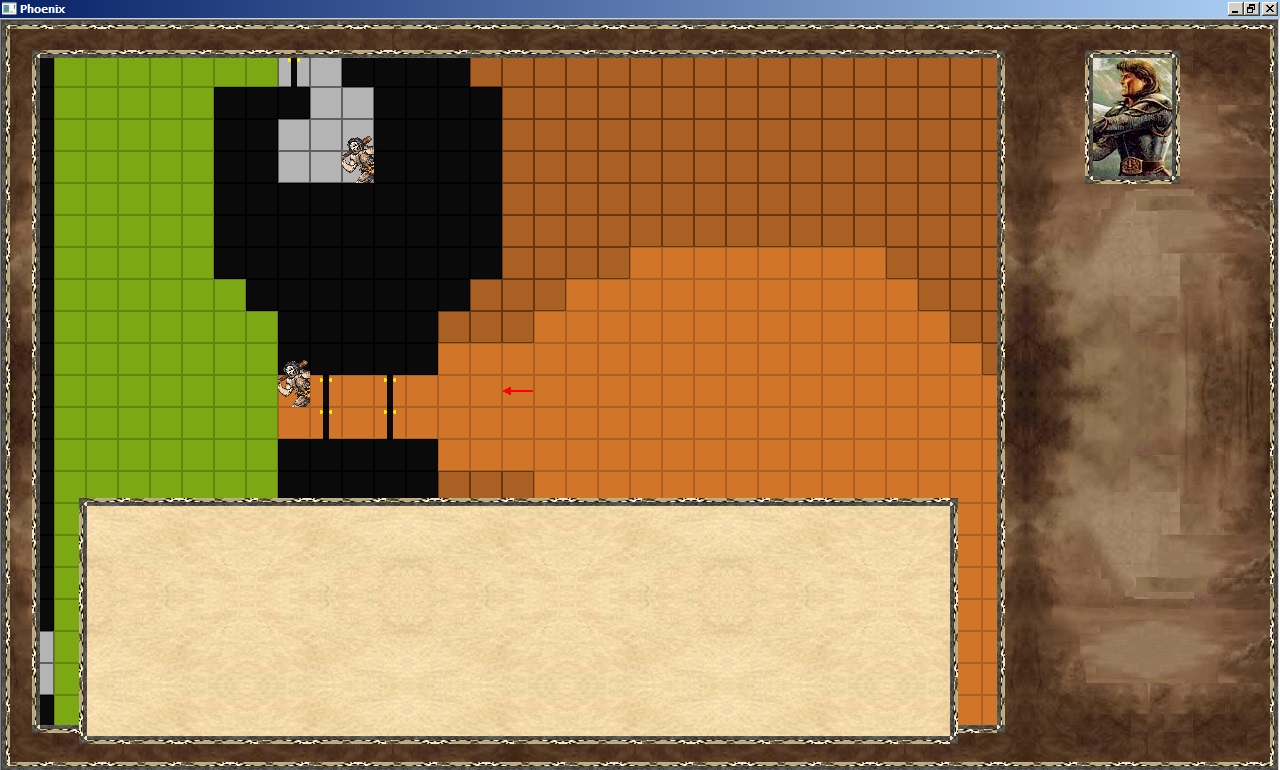
The text area can expand up to accommodate larger messages. Some of its size changing will be game controlled, along with the User being able to use the Page-Up / Page-Down buttons to cause it to expand/contract.
Another part of the User Interface added was a simple "division" bar to isolate a Player's Character from the rest of the icons that will be appearing in the right column. Below it, your see a rectangle area with several blocks. This will be where any Henchmen will be pictured.
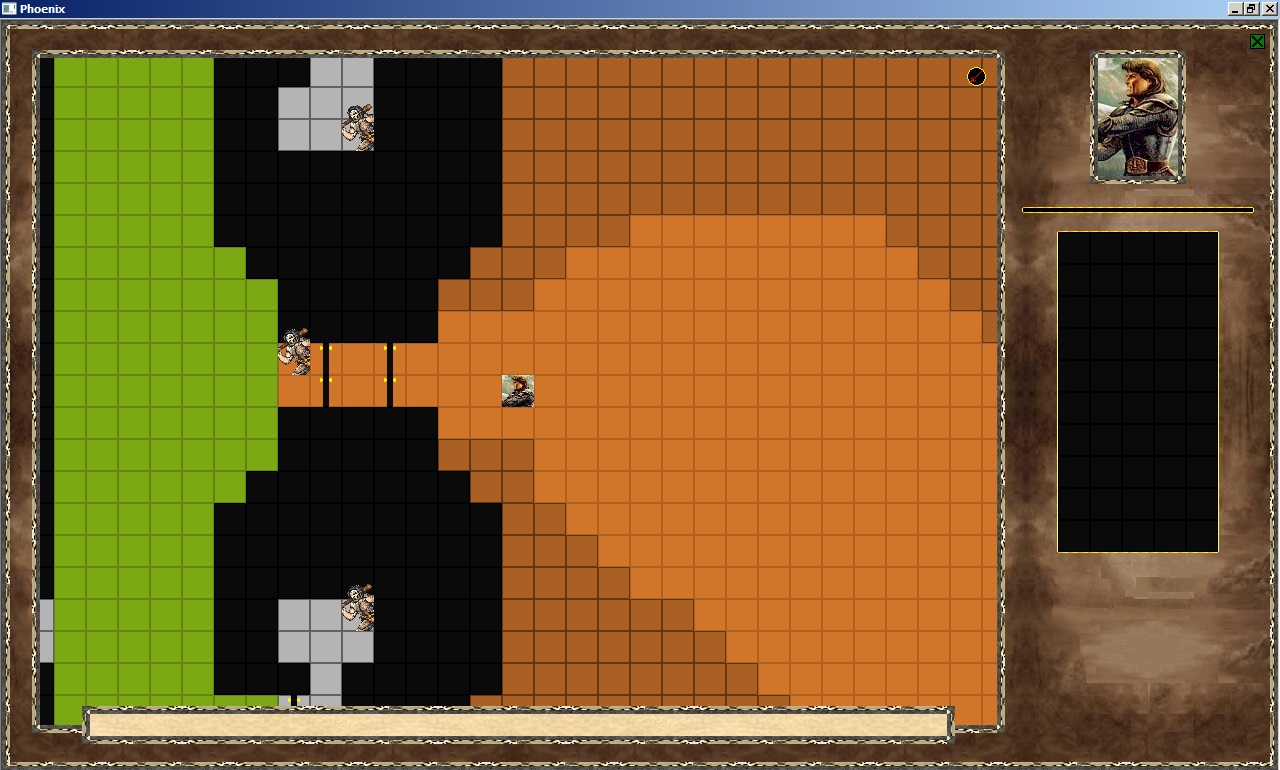
You'll note that I replaced the Arrow in the game screen representing one's location, with an actual portrait of the character. To help the Player know which direction they're avatar is facing, I put in a direction arrow up in the top right of the map. It's pretty small, to which I plan on making it slightly larger. It's where it is temporarily until I put in the navigation mini-map in the corner.
Two months to go...
